Article Overview
Introduction
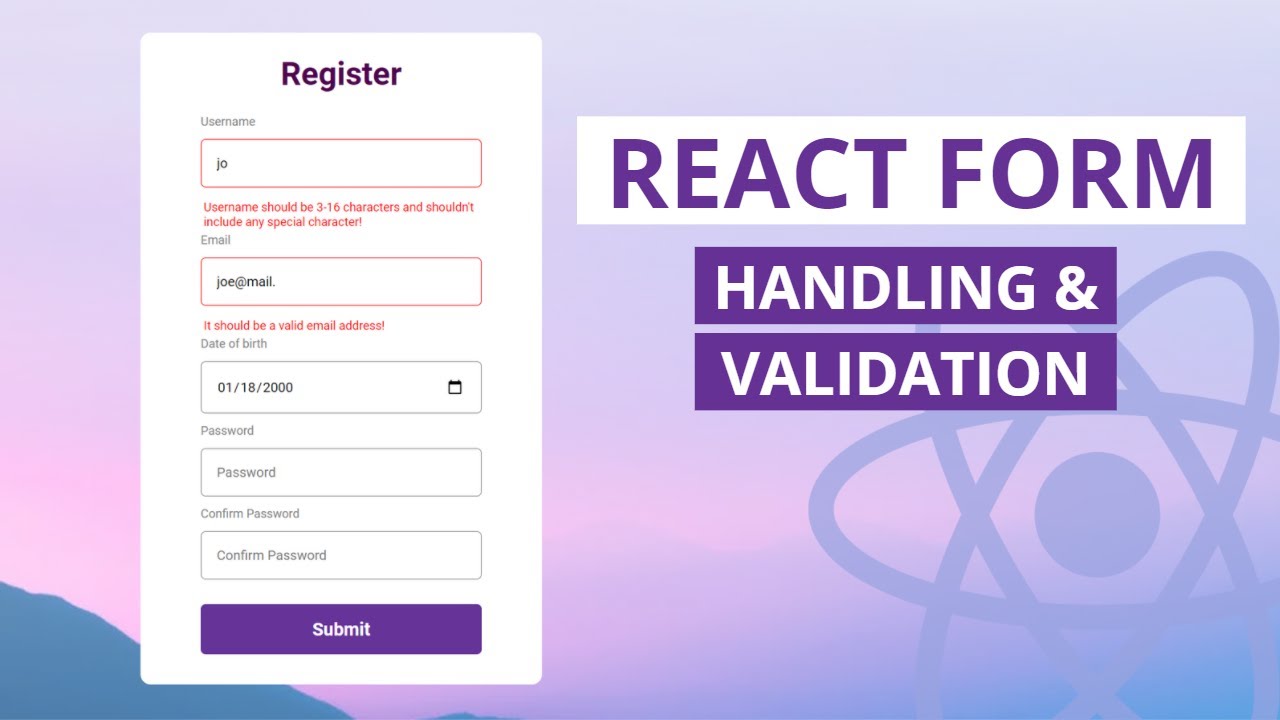
Form validation is crucial for user experience and data integrity. In this guide, we'll explore best practices for validating forms in React applications that submit to Contact the Lead.
Prerequisites
Everything you should have before starting.
- React application
- Contact the Lead API endpoint
- Optional: React Hook Form
- Optional: Zod
Section Intro
Introduction
Validation should feel immediate for users but still be trustworthy on the server.
The goal is to reduce friction without compromising data quality.
Client-Side Validation
A curated set of checkpoints for this section.
- •Required fields
- •Email format
- •Phone number format
- •Min/max length
- •Pattern matching
Server-Side Validation
A curated set of checkpoints for this section.
- •Verify required fields
- •Validate data types
- •Check business rules
- •Prevent malicious input
Using React Hook Form
bash
bash
npm install react-hook-form
Validated Form Example
typescript
typescript
import { useForm } from 'react-hook-form';

export function ValidatedForm() {
  const { register, handleSubmit, formState: { errors } } = useForm({
    mode: 'onChange',
  });

  const onSubmit = async (data) => {
    const response = await fetch('/api/contact', {
      method: 'POST',
      body: JSON.stringify(data),
    });
  };

  return (
    <form onSubmit={handleSubmit(onSubmit)}>
      <input
        {...register('email', {
          required: 'Email is required',
          pattern: {
            value: /^[A-Z0-9._%+-]+@[A-Z0-9.-]+.[A-Z]{2,}$/i,
            message: 'Invalid email address',
          },
        })}
        type="email"
        placeholder="Email"
      />
      {errors.email && <span>{errors.email.message}</span>}
      <button type="submit">Submit</button>
    </form>
  );
}
Schema Validation with Zod
typescript
typescript
import { z } from 'zod';

const contactSchema = z.object({
  name: z.string().min(2, 'Name must be at least 2 characters'),
  email: z.string().email('Invalid email'),
  message: z.string().min(10, 'Message must be at least 10 characters'),
});

type ContactForm = z.infer<typeof contactSchema>;
Wrap-up
Conclusion
Combining client-side and server-side validation creates robust, user-friendly forms.
More Articles
Ready to build contact forms?
Start with Contact the Lead free tier. No credit card required.
Get Started Free